
Verified Reviews and Host Responses
Ratings built only from verified stays, a clear score breakdown, and hosts who can reply in public, right under each review.
These images are illustrations of the concept, not screenshots of the actual product.
Overview
Discovery on a marketplace is only as good as the reputation behind it. The Verified Reviews and Host Responses concept is designed to make ratings something a traveler can trust at a glance and something a host can actively take part in. In the design, every review is tied to a verified stay, every host carries a verification mark, and a host's reply sits directly under the review it answers.
The illustration shows a dedicated reviews page for a single listing, reached from the stay with a Back link and paired with a Share action. A summary card on the left leads with a large overall score, a five-star display and the total number of reviews, followed by a distribution chart with a bar and a count for each star level. Two trust markers close the card: one stating that all reviews come from verified guests, and one confirming that the host has been verified by GGNomad. A support card below offers a direct Contact support action for questions about a stay.
On the right, a Write a review card offers five empty stars but is locked with an Available after your stay label, so feedback can only come from people who actually stayed. Review cards follow, each with the guest's photo and name, a star rating, the date, a Verified stay badge, the written review and an overflow menu. Where the host has replied, a nested response card shows the host company, the reply date and a short, personal answer.
Because ratings roll up into the scores shown on discovery cards and search results, this page is where the GGNomad reputation layer becomes visible. Travelers read honest feedback in context, and hosts get a public, dated place to respond and build trust over time.
What this concept shows
- Overall score with a star display and the total review count
- Five-level rating distribution with a bar and a count for each star level
- Verified stay and verified host trust markers on the summary card
- Review composer locked until after the stay, so only real guests can rate
- Review cards with guest, rating, date, verified-stay badge and an overflow menu
- Nested, dated host responses shown directly under the review they answer
- Contact support shortcut and a Share action for the listing's reviews
How it works
- Open a listing's reviews from its detail page.
- Read the overall score, total count and star distribution on the summary card.
- Check the verified stay and verified host markers.
- Scroll through individual reviews and the host's responses beneath them.
- After the stay, use the Write a review card to leave a star rating and comments.
- Contact support or share the reviews page when needed.
Who it's for
- Travelers comparing stays and experiences
- Hosts and property managers building a reputation
- Tour and experience operators responding to feedback
- Marketplace trust and quality teams
Illustrations
1 illustration of this concept. Select one to view it full size.
Listing Reviews and Reputation
This desktop illustration shows the reviews page for a sample boutique hotel, with Stays highlighted in the left navigation and a Back link and Share button at the top. On the left, an Overall rating card presents a large score, five stars, the review count and a star-by-star distribution with bars and counts, followed by Verified stay and Verified host markers and a Contact support card. On the right, a Write a review card shows five empty stars and a lock labeled Available after your stay. Below it, review cards list sample guests with a photo, star rating, date and Verified stay badge; two of them carry a nested response from the host company, dated a day later, thanking the guest. Each card ends with an overflow menu, and the list scrolls within the page.
Topics
- verified guest reviews
- hotel review rating breakdown
- host response to reviews
- trusted travel reviews
- star rating distribution
- write a review after a stay
- reputation management for hosts
- verified host badge
Related concepts

Stay Discovery and Booking
Browse hotels, villas, cabins and hostels through structured filters, then book from a panel that shows the total before you commit.
3 illustrations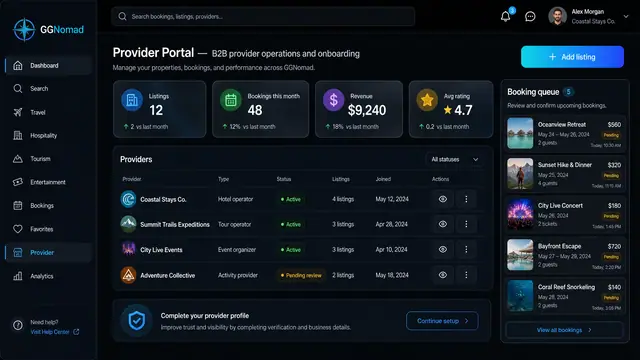
Provider Portal and Availability Pricing
One portal for hosts and operators to add listings, confirm bookings and set nightly rates, weekend pricing and blackout dates.
2 illustrations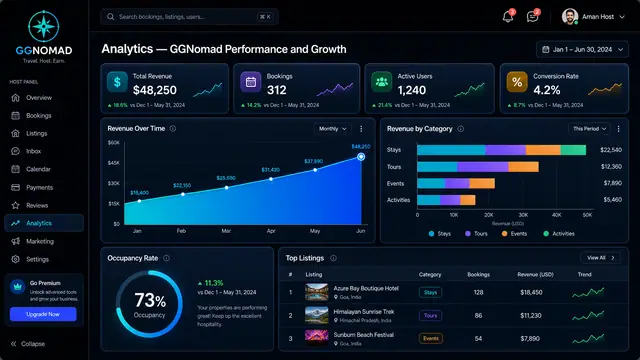
Host Analytics and Pricing Copilot
Revenue, occupancy and per-listing performance in one view, with rate suggestions that explain their evidence before a host accepts.
2 illustrations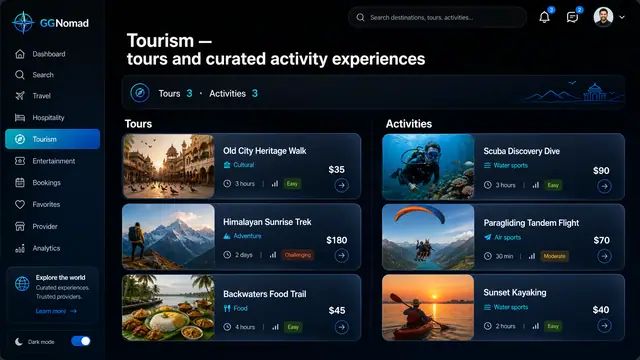
Tours and Activity Experiences
Guided tours and short activities side by side, with duration and difficulty up front and a guide you can judge before booking.
2 illustrations