
Tours and Activity Experiences
Guided tours and short activities side by side, with duration and difficulty up front and a guide you can judge before booking.
These images are illustrations of the concept, not screenshots of the actual product.
Overview
The experiences that make a trip memorable are usually the hardest to find and the hardest to judge. A multi-day trek and a thirty-minute flight are both sold as an experience, but they demand completely different commitments. This concept separates tours from shorter activities, then makes the facts that decide the booking visible before anyone opens a page.
The first illustration shows the tourism browse view. A summary strip reports how many tours and how many activities are available, then two parallel columns present them. Each row pairs a photo with a name, a themed category such as cultural, adventure, food, water sports or air sports, a price, a duration and a difficulty badge that ranges from easy through moderate to challenging, with an arrow to open the detail. Putting duration and difficulty on the row itself is the point: a traveler can rule out a two-day challenging trek without opening it, and a two-hour easy paddle stays on the list.
The second illustration opens a tour. A category tag sits above the tour name, a rating with a review count sits below it, and a hero photo fills the top of the page. Four fact tiles follow, covering difficulty, duration, maximum group size and the languages the tour runs in, so the practical constraints are read together rather than hunted for in prose. A highlights panel lists what the tour includes as ticked points, and an itinerary section is marked below, with a link through to more tours.
Beside the highlights, a guide block introduces the person leading the experience with a portrait, an expert-guide badge, a short biography covering where they are from and how long they have guided, their own rating with a review count, and a count of tours led. Judging the guide is often the real decision in an experience booking, and the design treats that as a first-class part of the page rather than a footnote.
The booking panel on the right prices the tour per person. A date selector opens onto a month calendar with a highlighted range for the selected dates, a participant stepper adjusts the party size, and the price then itemizes as the per-person rate multiplied by participants, a service fee and taxes, resolving to a total above a book button and a secure-booking note. Experiences booked here sit alongside stays and tickets in the same itinerary, so a trek on day two and a stay on day one belong to one plan.
What this concept shows
- A summary strip counting available tours and activities before the lists begin
- Parallel tour and activity columns so long-form and short-form experiences can be compared
- Themed category labels such as cultural, adventure, food, water sports and air sports
- Duration and a difficulty badge from easy to challenging shown on every row
- A tour detail with fact tiles for difficulty, duration, maximum group size and languages
- A highlights panel listing what the experience includes as ticked points
- A guide block with an expert badge, a short biography, a rating and a count of tours led
- A booking panel with a month calendar, a participant stepper and a per-person itemized total
How it works
- Open the tourism view and read how many tours and activities the destination offers.
- Compare the two columns, using category, duration and difficulty on each row to shortlist candidates.
- Open a tour to check its fact tiles for difficulty, duration, group size and language.
- Read the highlights and the guide's credentials to judge whether the experience fits.
- Pick a date on the calendar and set the number of participants.
- Review the per-person total with its service fee and taxes, then book the tour.
Who it's for
- Leisure travelers looking for things to do
- Adventure travelers assessing difficulty and duration
- Group organizers matching a party to group limits
- Tour operators and guides reviewing their listings
Illustrations
2 illustrations of this concept. Select one to view it full size.
Tours and Activities Side by Side
A dark desktop tourism view. The left rail covers dashboard, search, travel, hospitality, tourism, entertainment, bookings, favorites, provider and analytics, with a promotional card about curated experiences and trusted providers and a dark-mode toggle at the foot. A heading introduces tours and curated activity experiences above a summary strip counting tours and activities. Two columns follow: a tours list and an activities list. Each row pairs a photo with a name, a themed category such as cultural, adventure, food, water sports or air sports, a price, a clock reading of duration and a difficulty badge reading easy, moderate or challenging, plus a circular arrow control to open it. The header carries a search field, notifications, messages and the account menu. All experiences, prices and ratings are invented sample data.
Tour Detail With Guide and Date Picker
A dark desktop tour page. A back-to-tours link sits above an adventure category tag, a large tour name, and a star rating with a review count, over a wide hero photo of trekkers at sunrise. Four fact tiles show difficulty, duration, maximum group size and languages. A highlights panel lists five ticked inclusions such as a ridge camp, a sunrise summit and a monastery visit. Beside it, a guide block shows a portrait, an expert-guide badge, a short biography, a rating with a review count and a tours-led count. An itinerary section and a see-more-tours link sit at the foot. The right panel shows a per-person price, a date selector expanded into a month calendar with a highlighted range, a participant stepper, line items for price, service fee and taxes, a total, a book button and a secure-booking note. All details are invented sample data.
Topics
- guided tour booking
- travel activities marketplace
- tour difficulty and duration
- book experiences with a local guide
- adventure trek booking page
- water sports and air sports activities
- per person tour pricing
- tour participant selector
- cultural and food tours
- experience discovery platform
Related concepts
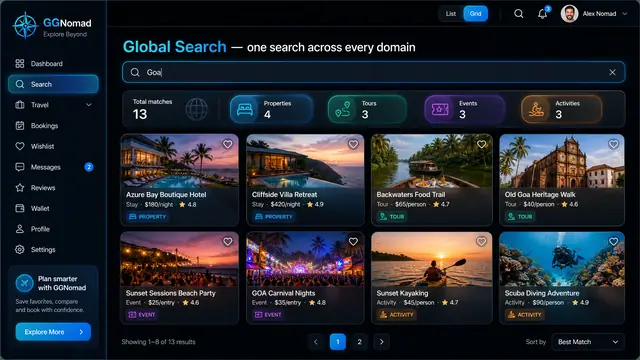
One Search Across Every Domain
A single query returns stays, tours, events and activities side by side, on desktop or phone, with a shortlist that keeps them together.
3 illustrations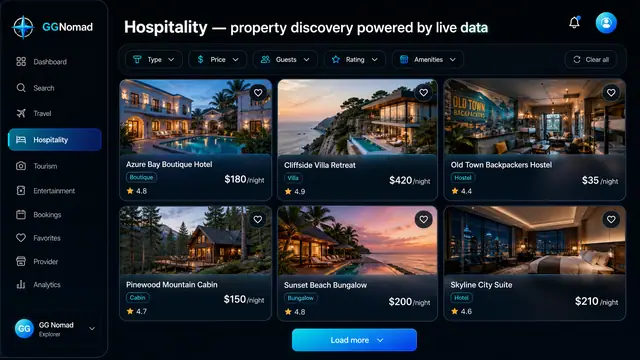
Stay Discovery and Booking
Browse hotels, villas, cabins and hostels through structured filters, then book from a panel that shows the total before you commit.
3 illustrations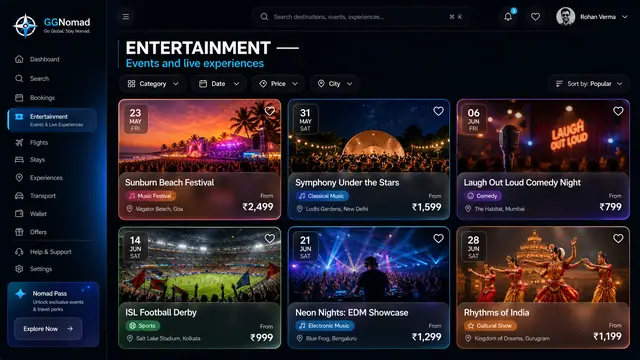
Live Events and Ticketing
Festivals, matches, concerts and shows browsed by date, city and price, with ticket tiers and a total that includes the fees.
2 illustrations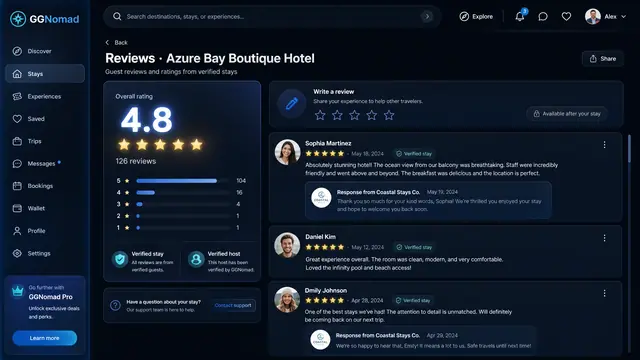
Verified Reviews and Host Responses
Ratings built only from verified stays, a clear score breakdown, and hosts who can reply in public, right under each review.
1 illustration
Part of industry solutions
This concept appears in cross-product solutions on burdenoff.com — see how it works alongside other Burdenoff products to solve a problem in that industry.

Industry solution
Culture, Heritage & Faith
Where the center's guided heritage walks are designed to sit beside other local experiences, with duration, difficulty and price up front, so group leaders book instead of phoning.
See the solution(opens in a new tab)
Industry solution
Travel & Hospitality
The tours and activities travelers book on GGNomad; each booking is designed to carry the date, party size and a requested language that the roster works from.
See the solution(opens in a new tab)