Routes by Flight, Rail and Road
Compare flight, rail and road routes side by side, see each one on a map, and add the right leg straight to your trip.
These images are illustrations of the concept, not screenshots of the actual product.
Overview
Getting there is usually the part of a trip that lives in a separate app. The Routes by Flight, Rail and Road concept brings it into the same plan as the stay, the tour and the tickets. The design envisions a single travel view where a traveler sets an origin and destination once and then compares every way of making the journey, whether a flight, a train or a road trip, without switching tools or re-entering dates.
The illustration is organized around a search strip across the top: origin and destination selectors with a swap control between them, a date range, a traveler count and a mode switcher for all modes, flight, rail or road. Below it, results are listed as route cards. Each card leads with the mode, the origin and destination, the journey time and the distance, followed by small chips for the details that actually decide a booking, such as coach class, meals, live tracking, stops, baggage or a refundable fare. The operator appears with a verified badge and a star rating drawn from reviews, and a from-price per seat sits beside an Add to trip button and a save-for-later heart.
To the right, a map panel traces the selected route between origin and destination, with a small callout for time and distance along the line and a summary bar for duration, distance and maximum elevation, which is useful context on a mountain road. Zoom, locate and a full-map link keep the map usable without leaving the list.
Routes are designed to behave like every other listing on GGNomad: they are reviewed, rated and priced up front, and adding one drops it onto the same day-by-day itinerary and unified checkout as the rest of the trip. That is what lets a traveler see the whole journey, door to door, as one plan.
What this concept shows
- Origin, destination, dates and traveler count set once, with a one-tap swap between origin and destination
- Mode switcher to compare all modes or narrow the list to flight, rail or road
- Route cards showing journey time, distance and deciding details such as meals, stops, baggage and refundability
- Operators shown with a verified badge and a star rating with review count
- Transparent from-price per seat on every route, with a result count and a sort control
- Add to trip and save-for-later actions on each card
- Map panel tracing the route with duration, distance and maximum elevation
How it works
- Choose an origin and destination, swapping them if needed, and set the dates and number of travelers.
- Pick a mode, whether flight, rail, road or all of them, to shape the result list.
- Scan the route cards, sorting by best match and comparing time, distance, inclusions and price per seat.
- Check each operator's verification badge and rating before committing.
- Follow the selected route on the map panel to judge duration, distance and elevation.
- Add the route to the trip, or save it with the heart to decide later.
Who it's for
- Leisure travelers working out how to reach a destination
- Group organizers comparing travel options for everyone
- Transport operators offering routes on the marketplace
- Travel agencies assembling trips for clients
Illustrations
1 illustration of this concept. Select one to view it full size.
Travel Route Search and Map
This desktop illustration shows the Travel area, titled as live trip inventory and route management, with Travel highlighted in the left navigation. A search strip holds origin and destination selectors with a swap button, a date range, a traveler picker and a segmented mode control for all modes, flight, rail and road. Beneath it, a result count and a sort menu set to best match introduce three sample route cards: a road trip, a rail journey and a flight. Each card has a mode icon, origin and destination, journey time, distance, amenity chips, a verified operator with a star rating, a from-price per seat, an Add to trip button and a save heart, and a Load more routes link closes the list. On the right, a dark map traces the selected route between two pinned cities, with a time-and-distance callout, zoom and locate controls, and a summary of duration, distance and maximum elevation.
Topics
- compare flight train and bus routes
- multi-modal trip planner
- route search with map
- add travel to itinerary
- rail and road travel booking
- travel route comparison
- price per seat comparison
- door-to-door trip planning
Related concepts
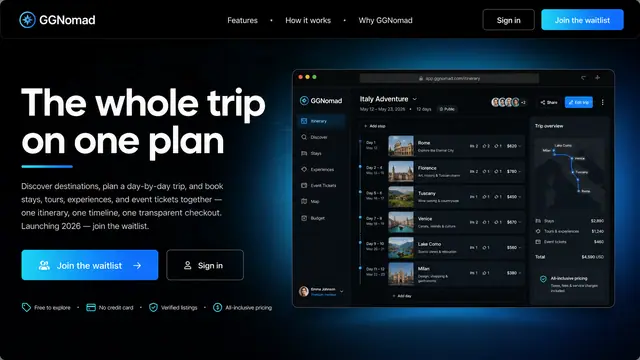
The Whole Trip on One Plan
Stays, tours, experiences and event tickets gathered into one itinerary, one timeline and one transparent checkout.
1 illustration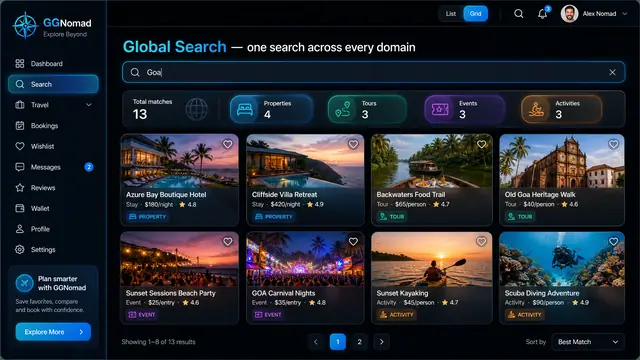
One Search Across Every Domain
A single query returns stays, tours, events and activities side by side, on desktop or phone, with a shortlist that keeps them together.
3 illustrations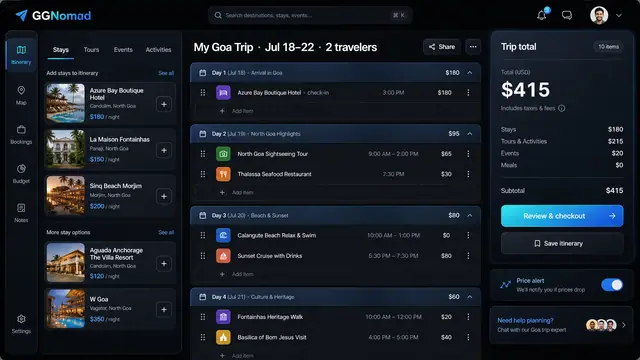
Day-by-Day Itinerary and Unified Checkout
Build the trip day by day with a running total, then pay for every stay, tour and ticket in one transparent checkout.
3 illustrations
Stay Discovery and Booking
Browse hotels, villas, cabins and hostels through structured filters, then book from a panel that shows the total before you commit.
3 illustrations
Part of an industry solution
This concept appears in a cross-product solution on burdenoff.com — see how it works alongside other Burdenoff products to solve a problem in that industry.