
Live Events and Ticketing
Festivals, matches, concerts and shows browsed by date, city and price, with ticket tiers and a total that includes the fees.
These images are illustrations of the concept, not screenshots of the actual product.
Overview
Live events are often the reason a trip exists, yet they are usually booked in an entirely separate app from the travel around them. This concept brings festivals, sports fixtures, concerts, comedy nights and cultural shows into the same marketplace as stays and experiences, so the show and the room around it can be planned as one thing.
The first illustration shows the entertainment browse view. Filters for category, date, price and city run across the top with a sort control at the right. Events render as image cards, each with a date block pinned to the corner showing the day, month and weekday, a save control, an event name, a genre tag such as music festival, classical music, comedy, sports, electronic music or cultural show, a venue and city line, and a from-price that makes clear the listed figure is the entry point rather than the only tier. Reading the grid, a traveler can see what a city offers on the dates they are already thinking about.
The second illustration opens one event. A type tag sits above the event name, with the date range and the venue and city beneath it, and a hero image with a gallery strip and a forward control alongside. A lineup section lists named performers as chips with a count of further acts behind a more control, followed by a descriptive paragraph about the event. A row of fact tiles covers expected attendance, the number of stages, the duration in days and a minimum age, and a tab bar underneath offers about, lineup, schedule, venue, amenities, questions and reviews, so the depth is there without crowding the first view.
The ticket panel on the right is where the concept earns its place. Tiers are presented as selectable options with a name, a price and a short description of what the tier includes, with one selected and the alternative offering lounge access and faster entry. A quantity stepper sets how many tickets are wanted, and the price then itemizes as the ticket price multiplied by quantity, a service fee and taxes and charges, resolving to a total in a stated currency above a book-tickets button, a see-more-events link and a secure-checkout note. A countdown near the top of the panel warns that prices are about to rise, reflecting how event pricing often moves as a date approaches.
Because tickets are modeled the same way as stays and experiences, an event booked here can sit on the same day-by-day itinerary, pass through the same unified checkout and appear on the same live trip timeline. All performers, venues, attendance figures and prices shown are invented sample data.
What this concept shows
- An events grid filtered by category, date, price and city, with a sort control
- Date blocks on each card showing day, month and weekday at a glance
- Genre tags spanning music festivals, classical, comedy, sports, electronic and cultural shows
- Venue and city lines with a from-price signaling that further tiers exist
- An event page with a lineup of named acts and a control revealing further performers
- Fact tiles for expected attendance, stage count, duration and minimum age, with tabs for schedule, venue, questions and reviews
- A price-increase countdown above selectable ticket tiers, each with its own price and a description of what it includes
- A quantity stepper and an itemized total covering tickets, service fee and taxes and charges
How it works
- Open the entertainment view and filter events by category, date, price or city.
- Scan the grid using date blocks, genre tags and venue lines to find events that fit the trip.
- Open an event to read its lineup, description and fact tiles for attendance, stages, duration and age limit.
- Compare the ticket tiers and select the one whose inclusions match what you want.
- Set the ticket quantity and review the itemized total with its service fee and charges.
- Book the tickets, or follow the see-more-events link to keep comparing.
Who it's for
- Entertainment seekers planning a trip around an event
- Leisure travelers adding a show to an existing trip
- Group organizers buying tickets for several people
- Venues and event organizers reviewing their listings
Illustrations
2 illustrations of this concept. Select one to view it full size.
Events Grid by Date, City and Price
A dark desktop entertainment view. The left rail covers dashboard, search, bookings, entertainment, flights, stays, experiences, transport, wallet, offers, help and settings, with a promotional card about unlocking exclusive events and travel perks. A heading introduces events and live experiences above a filter row offering category, date, price and city, with a sort selector at the right. Six event cards fill the grid, each carrying a corner date block with day, month and weekday, a save heart, an event name, a genre tag such as music festival, classical music, comedy, sports, electronic music or cultural show, a venue and city line, and a from-price. Imagery spans a beach festival, an orchestra, a comedy club, a stadium match, a club night and a dance performance. All events, venues and prices are invented sample data.
Event Detail With Ticket Tiers
A dark desktop event page. A back-to-events link and a search field sit in the header with notifications and an account chip. The left column shows a festival tag, a large event name, a date range, a venue and city line, a lineup of named acts as chips with a control revealing more, and a descriptive paragraph. A row of fact tiles covers expected attendance, number of stages, duration in days and a minimum age, above tabs for about, lineup, schedule, venue, amenities, questions and reviews. A hero photo with a gallery strip and a forward control fills the center. The right panel shows a price-increase countdown, two selectable ticket tiers with prices and inclusion notes, a quantity stepper, line items for tickets, service fee and taxes, a total in a stated currency, a book-tickets button and a secure-checkout note. All details are invented sample data.
Topics
- event tickets and festivals
- book concert tickets while traveling
- events grid by date and city
- ticket tiers general and VIP
- festival lineup page
- ticket total with service fee
- live events marketplace
- sports and comedy event booking
- event age limit and stages
- entertainment discovery platform
Related concepts
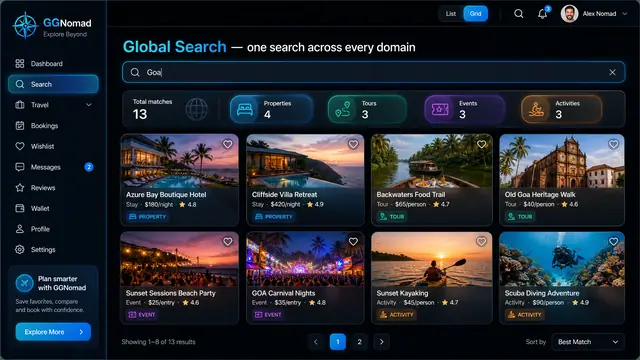
One Search Across Every Domain
A single query returns stays, tours, events and activities side by side, on desktop or phone, with a shortlist that keeps them together.
3 illustrations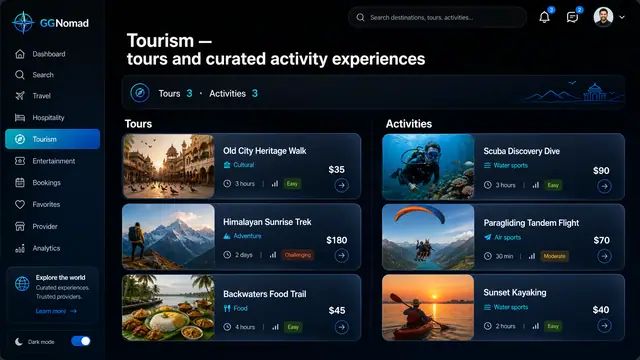
Tours and Activity Experiences
Guided tours and short activities side by side, with duration and difficulty up front and a guide you can judge before booking.
2 illustrations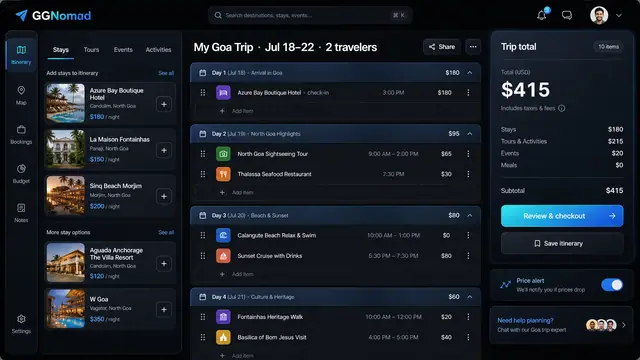
Day-by-Day Itinerary and Unified Checkout
Build the trip day by day with a running total, then pay for every stay, tour and ticket in one transparent checkout.
3 illustrations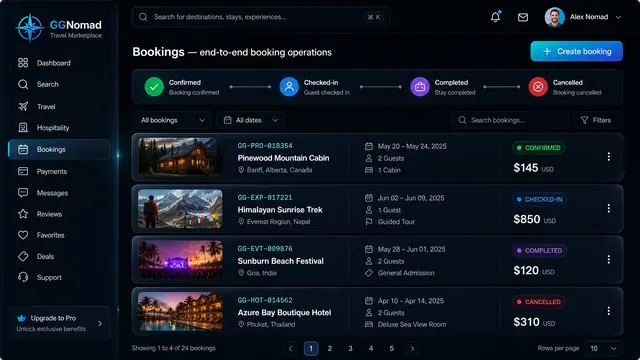
Booking Lifecycle and Audit Trail
Run every booking through a clear lifecycle and see exactly who changed what, and when, on an append-only audit trail.
2 illustrations