
One Search Across Every Domain
A single query returns stays, tours, events and activities side by side, on desktop or phone, with a shortlist that keeps them together.
These images are illustrations of the concept, not screenshots of the actual product.
Overview
Most travel searches force a choice before the first result appears: are you looking for a room, a tour, a ticket or something to do? The traveler rarely thinks that way. They think about a place and a few free days. This concept makes the place the query and lets every kind of supply answer it at once, so a beach stay, a food trail, a carnival night and a dive trip can be compared in the same list.
The first illustration shows the desktop search view. A single field holds a short destination query with a clear control, and directly beneath it a result summary bar reports the total matches and then breaks them into counts for properties, tours, events and activities, each as its own tinted chip. The chips read as filters as much as tallies, which is the core move of the design: the traveler narrows by kind only after seeing what a destination actually offers. Results render as image cards, each labeled with its domain, a price expressed in the unit that suits it, a rating and a save control, with a list or grid toggle, sort options and pagination showing which slice of the results is on screen.
The second illustration carries the same idea to a phone. A discover home opens with a location selector, a search field with a filter control, and four large category buttons for stays, tours, events and activities. Below them a horizontally swipeable row of destination cards is paged with dots, then a trending stays section shows listing cards with badges, location, nightly rate, rating and a save control. A bottom bar keeps home, search, trips, bookings and profile within thumb reach, so the same cross-domain discovery works while traveling, not only while planning at a desk.
The third illustration closes the loop with the shortlist. A favorites page gathers everything saved across the marketplace into one grid, with domain chips to filter between all, stays, tours, events and activities, a sort control, a grid or list toggle, a saved-item count and pagination. Each card keeps its domain tag, place, price unit, rating and review count, so a stay priced per night sits legibly beside a ticket priced per entry.
Together these three surfaces describe discovery as one continuous motion: search once, browse wherever you are, and keep the candidates in a single shortlist that is ready to become an itinerary rather than a set of open tabs.
What this concept shows
- A single search field that queries stays, tours, events and activities at the same time
- A result summary showing total matches broken into per-domain counts as selectable chips
- Result cards tagged by domain with the right price unit for each, such as per night, per person or per entry
- List and grid view toggles, a sort control and pagination that states which results are on screen
- A save control on every card so candidates can be collected while browsing
- A mobile discover home with a location selector, category buttons, swipeable destinations and trending stays
- A bottom navigation bar on mobile covering home, search, trips, bookings and profile
- A cross-domain favorites page with domain filters, sorting, view toggles and a saved-item count
How it works
- Enter a destination once in the global search field rather than picking a category first.
- Read the result summary to see how many properties, tours, events and activities that place offers.
- Narrow to one domain with a count chip, or keep the mixed view and compare kinds side by side.
- Switch between grid and list, sort the results and page through them to review the full set.
- Save promising listings from any domain as you go, on desktop or from the mobile discover home.
- Open the favorites shortlist to review everything saved, filter it by domain and pick what makes the trip.
Who it's for
- Leisure travelers researching a destination
- Entertainment seekers planning around an event
- Group organizers building a shared shortlist
- Travelers browsing on the move from a phone
Illustrations
3 illustrations of this concept. Select one to view it full size.
Global Search Across Every Domain
A dark desktop search view with a left rail covering dashboard, search, travel, bookings, wishlist, messages, reviews, wallet, profile and settings, plus a promotional card about saving favorites and comparing. The header offers a list or grid toggle, search, notifications and the account menu. A heading introduces one search across every domain above a wide query field holding a short destination term with a clear button. Beneath it, a summary bar shows a total match count followed by separate tinted counts for properties, tours, events and activities. Eight image cards follow, each with a domain tag, a name, a price in its own unit such as per night, per person or per entry, a star rating and a heart control. A footer shows the result range, page controls and a sort selector. All listings and figures are invented sample data.
Mobile Discover Home
A portrait phone illustration of the discover home. The top row carries the product mark, an explore label and a location selector for the current destination. Below it sits a search field labeled for stays, tours and events with a filter control, then four large category buttons for stays, tours, events and activities. A top destinations section shows a horizontally swipeable row of place cards with a name, a region and paging dots, alongside a view-all link. A trending stays section follows with listing cards carrying a badge such as popular or premium, a save control, a name, a location, a nightly rate and a star rating. A fixed bottom bar covers home, search, trips, bookings and profile with the home tab active. All places, listings and prices are invented sample data.
Cross-Domain Favorites Shortlist
A dark desktop favorites page. A left rail lists explore, stays, tours, events, activities, favorites, trips, messages, wallet, profile and settings, with a referral card offering travel credit for inviting friends. The header holds a global search field with a keyboard shortcut hint, notifications, messages and the account menu. A heading describes a personal shortlist across every domain, with a saved-item count badge on the right. A filter row offers all, stays, tours, events and activities, beside a sort selector and grid or list toggles. Eight saved cards follow, each with a domain tag in the corner, a filled heart, a name, a type and location line, a price in its own unit and a star rating with a review count. Page controls sit at the bottom. All saved items and figures are invented sample data.
Topics
- cross-domain travel search
- search stays tours and events together
- unified travel search results
- destination search with filters
- mobile travel discovery app
- trending stays and top destinations
- travel wishlist and favorites
- save listings across categories
- grid and list result views
- travel search result counts by category
Related concepts
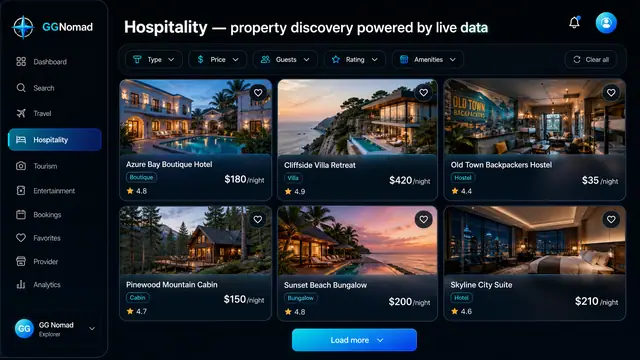
Stay Discovery and Booking
Browse hotels, villas, cabins and hostels through structured filters, then book from a panel that shows the total before you commit.
3 illustrations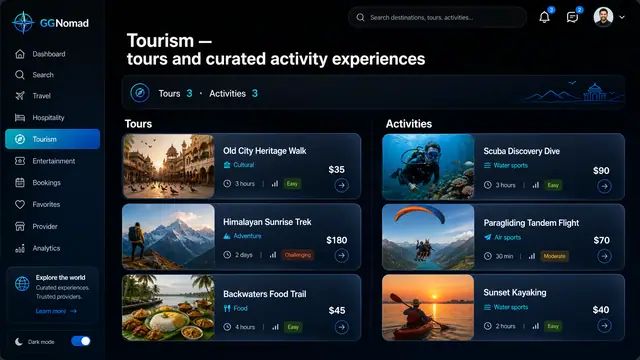
Tours and Activity Experiences
Guided tours and short activities side by side, with duration and difficulty up front and a guide you can judge before booking.
2 illustrations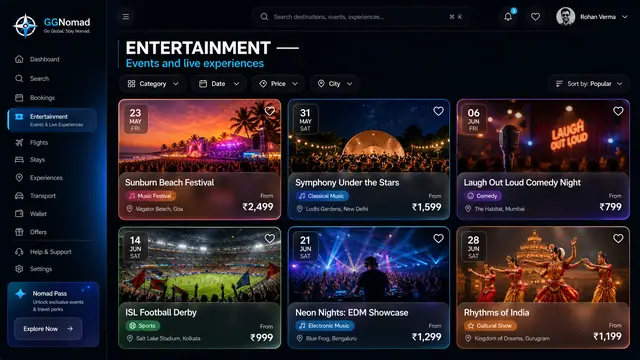
Live Events and Ticketing
Festivals, matches, concerts and shows browsed by date, city and price, with ticket tiers and a total that includes the fees.
2 illustrations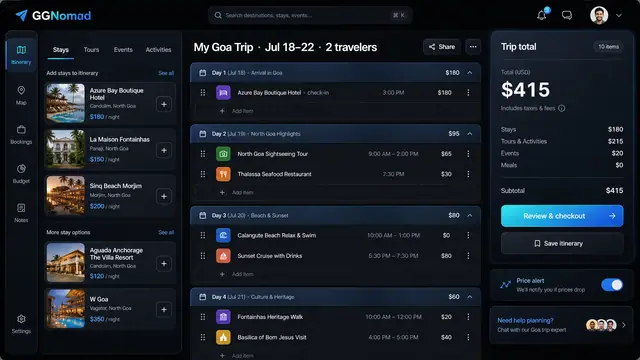
Day-by-Day Itinerary and Unified Checkout
Build the trip day by day with a running total, then pay for every stay, tour and ticket in one transparent checkout.
3 illustrations