Group Trips with Voting and Cost Split
Invite the group, vote on what to do, split the cost fairly and keep the chat next to the plan instead of in another app.
These images are illustrations of the concept, not screenshots of the actual product.
Overview
Group trips tend to run on a spreadsheet, a poll in one app and a payment tracker in another, while the actual plan drifts. The Group Trips with Voting and Cost Split concept puts all of that on the trip itself. The design envisions one shared page where the organizer invites travelers, everyone votes on options, costs are split per person, and the chat sits right beside the decisions it is about.
The illustration opens with the trip name and traveler count, a row of member avatars with the organizer marked, and an Invite button. Tabs for itinerary, plan, stay, flights, tasks and notes keep every part of the trip in one place. The main area is a Decisions and Votes board: each option, such as an event, a beach day or a nightlife evening, appears as a card with a photo, dates and place, the avatars of those who voted, a comment count and a large vote tally with a thumbs-up button. The leading option carries a Top pick tag, and an Add option button lets anyone propose something new. A strip beneath shows the trip dates, a per-person budget and a tasks-completed progress bar with a link to the task list.
On the right, a Cost split card shows the trip total, how many ways it is split and each person's share, then lists every member with a Paid or Owes badge, followed by a Settle up button. Below it, a group chat carries short messages with reactions and a message box, so the conversation about what to book stays next to the votes.
The group plan is designed as the same itinerary a solo traveler uses on GGNomad, grown to include more people. Once the group converges, the chosen options flow into the shared day-by-day itinerary and unified checkout, and everyone follows the same trip timeline.
What this concept shows
- Member avatars with an organizer badge and an Invite action
- Tabs for itinerary, plan, stay, flights, tasks and notes on one shared trip
- Decisions and Votes board with option cards, voter avatars, comments and vote tallies
- Top pick tag on the leading option and an Add option button for new proposals
- Trip dates, per-person budget and a tasks-completed progress bar
- Cost split showing each share, Paid or Owes status per member and a Settle up button
- Group chat with reactions alongside the plan
How it works
- Create the group trip and invite travelers from the avatar row.
- Propose options such as an event, a beach day or a night out with Add option.
- Vote with the thumbs-up on each card and discuss in the comments or the group chat.
- Let the tally surface a Top pick and move the winners into the itinerary.
- Track dates, budget per person and shared tasks from the summary strip.
- Review the cost split, see who has paid or still owes, and settle up.
Who it's for
- Group organizers planning trips for friends or family
- Friends and family members traveling together
- Clubs, teams and crews coordinating outings
- Event-goers planning a trip around a festival
Illustrations
1 illustration of this concept. Select one to view it full size.
Group Trip Planning Board
This desktop illustration shows a sample reunion trip for five travelers, with Group Trips highlighted in the left navigation. Member avatars run across the top, the first marked Organizer, next to an Invite button, above tabs for itinerary, plan, stay, flights, tasks and notes. A Decisions and Votes section with an Add option button lists three option cards: a music festival tagged Top pick, a beach day and a nightlife crawl. Each has a photo, dates and place, voter avatars, a comment link, a vote count and a thumbs-up button. A strip below summarizes trip dates, budget per person and tasks completed with a progress bar and a View tasks link. On the right, a Cost split card shows the total split five ways, each member marked Paid or Owes, and a Settle up button, above a group chat with reactions and a message box.
Topics
- group trip planner
- vote on trip activities
- split travel costs with friends
- shared travel itinerary
- group travel chat
- who owes what on a trip
- plan a trip with friends
- group budget per person
- settle up trip expenses
Related concepts
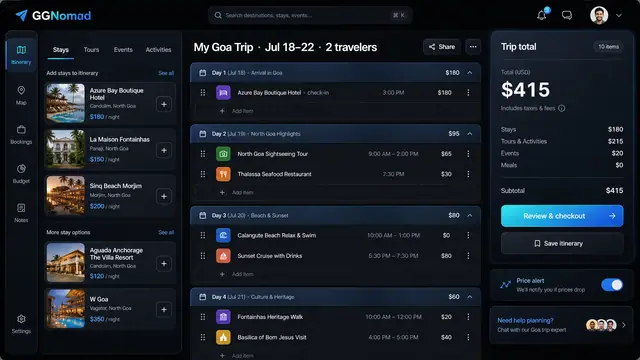
Day-by-Day Itinerary and Unified Checkout
Build the trip day by day with a running total, then pay for every stay, tour and ticket in one transparent checkout.
3 illustrations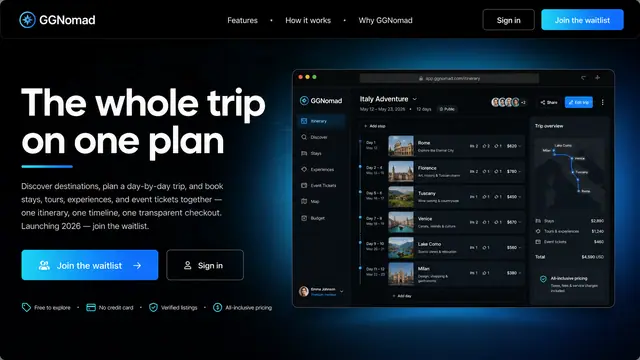
The Whole Trip on One Plan
Stays, tours, experiences and event tickets gathered into one itinerary, one timeline and one transparent checkout.
1 illustration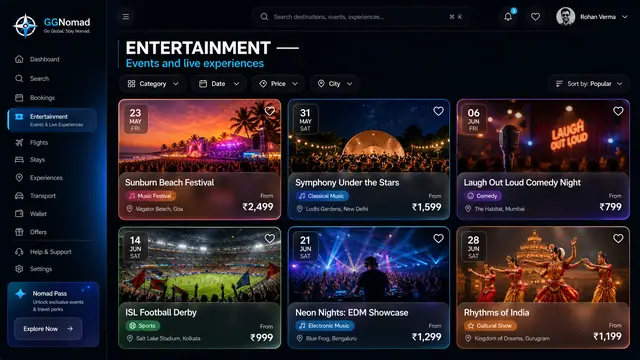
Live Events and Ticketing
Festivals, matches, concerts and shows browsed by date, city and price, with ticket tiers and a total that includes the fees.
2 illustrations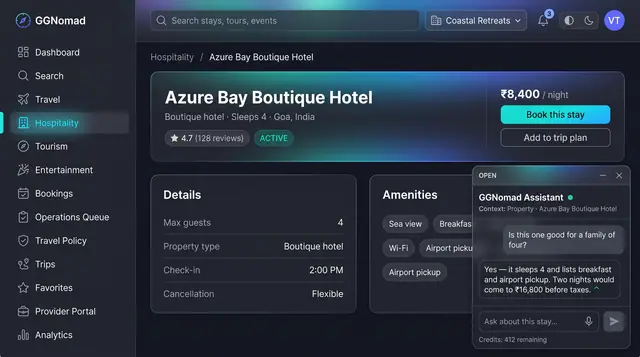
AI Trip Assistant and Itinerary Drafts
An assistant that knows which listing you are looking at, and a day-by-day draft plan you review, edit and accept before anything is booked.
2 illustrations
Part of an industry solution
This concept appears in a cross-product solution on burdenoff.com — see how it works alongside other Burdenoff products to solve a problem in that industry.