
AI Trip Assistant and Itinerary Drafts
An assistant that knows which listing you are looking at, and a day-by-day draft plan you review, edit and accept before anything is booked.
These images are illustrations of the concept, not screenshots of the actual product.
Overview
Planning a trip involves two kinds of questions. The small ones come while browsing a single listing — does it sleep four, is breakfast included, what would two nights actually cost — and today they are answered by scrolling through a page or messaging a host and waiting. The large one comes at the start: given a destination, some dates and a rough idea of what the trip should feel like, what should the plan even be? This concept addresses both with the same assistant, always attached to what is on screen and never allowed to commit anything on its own.
The first illustration shows the assistant docked beside a stay's detail page. Its header states the context it is working from — the property currently open — so its answers are scoped to that listing rather than to travel in general. A traveler asks whether the stay suits a family of four, and the reply draws on the listing's own facts: sleeping capacity, the amenities shown on the page, and an arithmetic total for two nights before taxes. The page behind it keeps its ordinary controls — a rating and review count, an active status, a nightly rate, and buttons to book the stay or add it to a trip plan — so the assistant informs the decision without becoming the only way to act on it.
The second illustration scales the same idea up to a whole trip. A multi-day plan is presented as a draft, flagged in the header and repeated in a banner: every item links to a real listing, and nothing is booked until the traveler accepts. Days expand into tables with a time, an item, its type and its price, each row carrying an overflow menu for edits. A running plan total breaks out the item count, subtotal, estimated taxes and total, and a companion panel explains why each item was chosen, linking back to the listing so the reasoning can be checked rather than trusted.
This is the planning front door to the rest of the product. The draft is an ordinary itinerary once accepted, so it flows into the unified checkout, the trip timeline and group planning without changing tools. The design keeps the assistant advisory throughout: it drafts and explains, and a person edits and confirms.
What this concept shows
- A docked assistant panel with an explicit context line naming the listing it is answering about
- Answers grounded in the listing's own details — capacity, amenities and a computed multi-night total before taxes
- A composer with text and voice input, and a visible remaining-credits counter for assistant usage
- A full trip rendered as a reviewable draft with a status chip and a banner stating nothing is booked until accepted
- Day-by-day accordions with time, item, type and price columns and a per-row menu for changes
- A plan-total panel breaking out item count, subtotal, estimated taxes and total
- A rationale panel that explains each suggested item and links through to the underlying listing
- Accept, regenerate and add-item actions that keep the traveler in control of the final plan
How it works
- Open a stay, tour, activity or event and ask the docked assistant a question about it; the panel shows which listing it is scoped to.
- Read the grounded answer — capacity, amenities and a worked total for the nights you are considering — then book the stay or add it to a trip plan from the page itself.
- Start a wider trip plan from a brief; the resulting draft carries the destination, the dates and the number of travelers in its header.
- Review the generated draft day by day, checking each item's time, type and price while the plan stays clearly marked as unbooked.
- Open the rationale panel to see why each item was chosen and follow the links back to the listings.
- Adjust the plan with the per-row menu, add items, or regenerate it, then accept the plan to turn the draft into a bookable itinerary.
Who it's for
- Leisure travelers planning a multi-day trip
- Group organizers assembling a shared plan
- Entertainment seekers building travel around an event
- Travel agents and corporate travel desks drafting plans for others
Illustrations
2 illustrations of this concept. Select one to view it full size.
Assistant Docked To A Stay
This illustration shows a property detail page with an assistant panel docked at the lower right. The left navigation covers dashboard, search, travel, hospitality, tourism, entertainment, bookings, an operations queue, travel policy, trips, favorites, the provider portal and analytics, with hospitality selected. A breadcrumb leads to a sample boutique hotel, whose hero band shows the listing name, property type, sleeping capacity and location, a star rating with review count, an active status chip, a nightly rate and buttons to book the stay or add it to a trip plan. Panels beneath list maximum guests, property type, check-in time and a flexible cancellation policy, plus amenity chips such as sea view, breakfast, Wi-Fi and airport pickup. The assistant panel, with minimize and close controls, names the property as its current context and shows a traveler asking whether the stay suits a family of four, answered with capacity, amenities and a sample two-night total before taxes. A composer offers typed or spoken input above a remaining-credits line.
Draft Itinerary For Review
This illustration shows a drafted trip plan on the trips surface. The header names a sample five-day coastal trip with chips for the traveler count, the date range and an amber draft status reading that it should be reviewed before booking, alongside actions to accept the plan, regenerate it or add an item. A banner repeats that the draft was generated from the traveler's brief, that every item links to a real listing, and that nothing is booked until acceptance. Day sections expand into tables with time, item, type and price columns and an overflow menu on each row; the first two days show a stay, a tour, an activity and an event as sample entries, while later days stay collapsed. A right rail totals the plan with an item count, subtotal, estimated taxes and total, and a second panel lists a short reason for each suggested item with a link to view the corresponding listing. All names and figures are invented sample data.
Topics
- AI trip planning assistant
- day by day itinerary generator
- context aware travel chat
- draft itinerary review before booking
- trip plan total with taxes
- explainable travel recommendations
- travel assistant on listing page
- multi day travel plan builder
- itinerary suggestions with sources
- plan trip with assistant
Related concepts
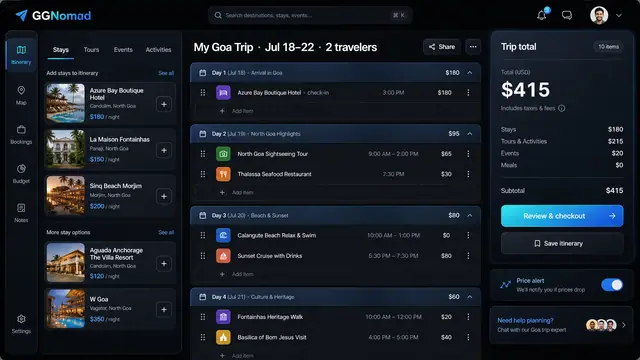
Day-by-Day Itinerary and Unified Checkout
Build the trip day by day with a running total, then pay for every stay, tour and ticket in one transparent checkout.
3 illustrations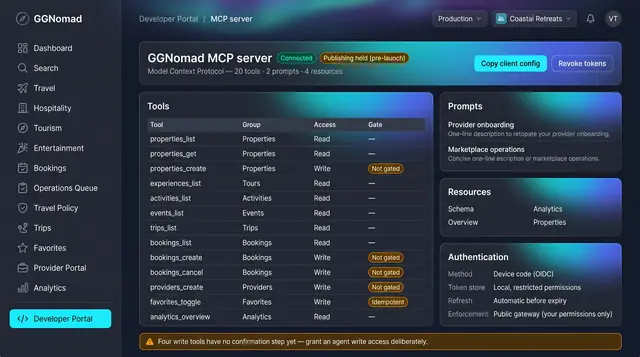
Agent Tools and Trip Watch
A governed tool surface for agents, and background watchers that raise decision cards a person accepts or dismisses.
2 illustrations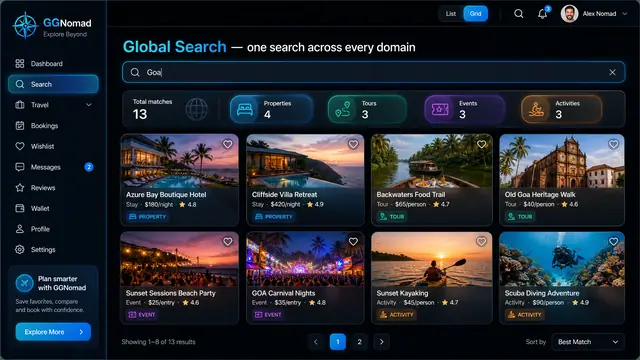
One Search Across Every Domain
A single query returns stays, tours, events and activities side by side, on desktop or phone, with a shortlist that keeps them together.
3 illustrations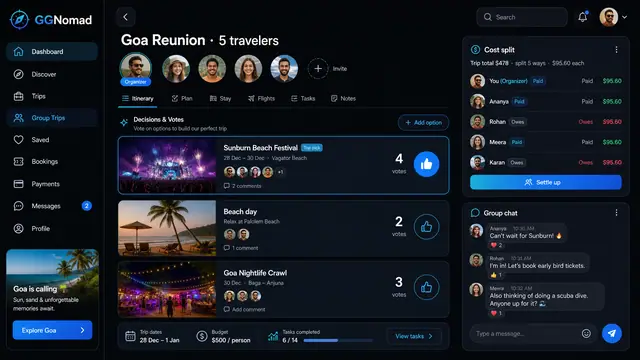
Group Trips with Voting and Cost Split
Invite the group, vote on what to do, split the cost fairly and keep the chat next to the plan instead of in another app.
1 illustration