Live Trip Timeline and Notifications
Follow every booking from booked to completed on one timeline, with reminders, weather and confirmations that land on your phone.
These images are illustrations of the concept, not screenshots of the actual product.
Overview
After checkout, most travel apps hand over a pile of emails. The Live Trip Timeline and Notifications concept replaces that with one calm place to follow the trip. The design envisions a timeline that advances as each booking moves from booked to confirmed, checked in and completed, with reminders that arrive when they are useful and confirmations that reach the traveler's phone.
On desktop, the illustration shows a trip timeline for a sample multi-day beach trip. A four-step progress tracker across the top marks booked, confirmed and checked in as done, each with its date, and completed as the step still ahead. Beneath it, one card per booking, covering a hotel stay, a guided food trail, a festival pass and a dive session, shows a photo, a category icon, the key details and location, a status pill and a line of context such as when check-in happened, when to meet the guide, when gates open or what to bring. A View trip details button links back to the full plan.
The right column holds a Reminders list for hotel check-in, a guide meeting, festival gates and a dive session, each with an unread marker and a View all link, plus a compact weather forecast for the destination and a shortcut to explore more things to do there.
On a phone, the moment a booking is confirmed a notification appears at the top of the screen, and the app shows a confirmation with the listing, reference number, dates, guests, total price and a code to show at check-in. From there the traveler can add it to the trip timeline or open the booking. Together, the two screens show how GGNomad is designed to carry a trip well beyond checkout.
What this concept shows
- Four-step trip progress tracker from booked to completed, with dates
- Booking cards with status pills and contextual notes such as meeting times or what to bring
- Reminders panel with upcoming check-ins, guide meetings and event gate times
- Destination weather forecast and a shortcut to more things to do
- Mobile notification the moment a booking is confirmed
- Confirmation screen with reference number, dates, guests, total and a check-in code
- Add to trip timeline and View booking actions from the confirmation
How it works
- Complete a booking and receive a notification on the phone confirming it.
- Review the confirmation details and check-in code, then add the booking to the trip timeline.
- Open the trip timeline to see where the trip stands on the booked-to-completed tracker.
- Scan each booking card for its status and the next thing to do.
- Act on reminders as they come up and check the forecast for the destination.
- Open the trip details or a single booking when more information is needed.
Who it's for
- Travelers on the road who want one place to follow the trip
- Families and groups coordinating a shared itinerary
- Event-goers juggling tickets and travel
- Hosts and guides who rely on travelers arriving prepared
Illustrations
2 illustrations of this concept. Select one to view it full size.
Trip Timeline with Reminders
This desktop illustration shows the trip timeline for a sample beach trip, with Dashboard selected in the left navigation. A progress tracker across the top shows Booked, Confirmed and Checked-in as completed steps with dates, joined by a dotted line to the Completed step still ahead. Four booking cards follow: a hotel stay marked checked in with the time it began, a guided food trail and a festival pass marked confirmed with a meeting-time reminder and a gates-open note, and a dive session marked booked with a reminder to bring certification. Each card has a photo, category icon, details, location and a chevron to open it. On the right, a Reminders list with a View all link shows four upcoming items with unread dots, above a compact multi-day weather forecast and a link to explore things to do at the destination.
Mobile Booking Confirmation
This mobile illustration shows the moment a stay is confirmed. A notification banner at the top of the phone reports that the booking is confirmed and gives the check-in date and time. Below it, a large check mark and a Booking Confirmed heading sit above a friendly note from the host. A booking card shows a photo of the sample hotel with a star rating, then the reference number, dates, number of guests and total price, next to a scannable code labeled for use at check-in. Two actions follow: a primary Add to trip timeline button and a secondary View booking button. The bottom tab bar offers home, search, trips, bookings and profile, with Bookings active.
Topics
- trip timeline app
- booking status tracker
- travel reminders
- booking confirmation notification
- check-in QR code
- travel day itinerary updates
- trip weather forecast
- follow my bookings
- mobile travel notifications
Related concepts
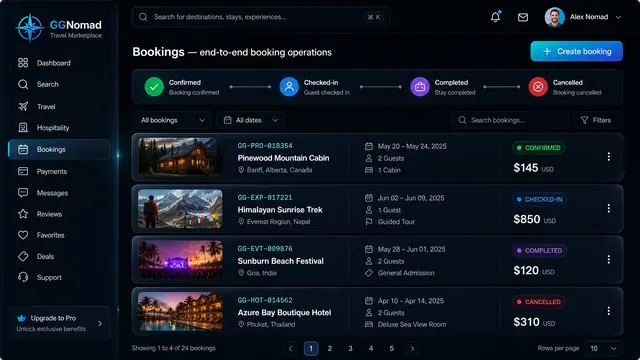
Booking Lifecycle and Audit Trail
Run every booking through a clear lifecycle and see exactly who changed what, and when, on an append-only audit trail.
2 illustrations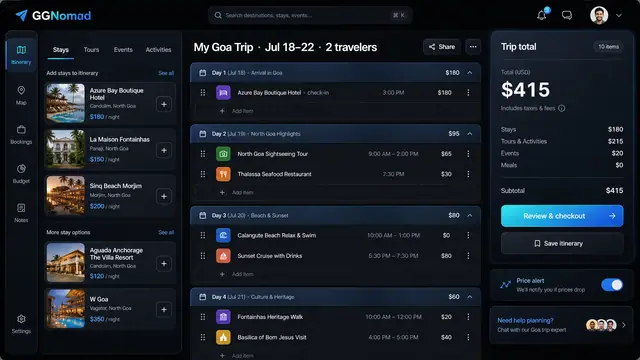
Day-by-Day Itinerary and Unified Checkout
Build the trip day by day with a running total, then pay for every stay, tour and ticket in one transparent checkout.
3 illustrations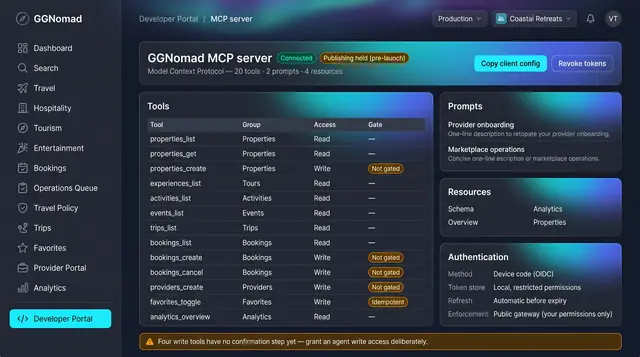
Agent Tools and Trip Watch
A governed tool surface for agents, and background watchers that raise decision cards a person accepts or dismisses.
2 illustrations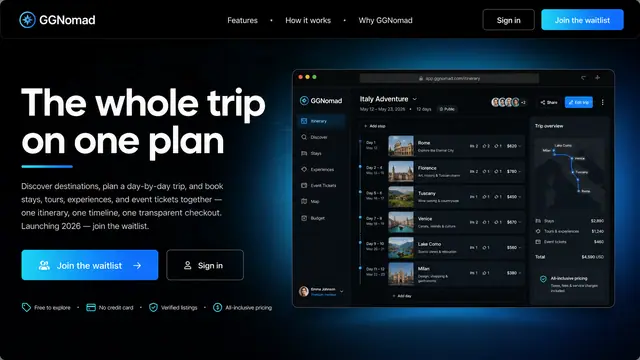
The Whole Trip on One Plan
Stays, tours, experiences and event tickets gathered into one itinerary, one timeline and one transparent checkout.
1 illustration
Part of an industry solution
This concept appears in a cross-product solution on burdenoff.com — see how it works alongside other Burdenoff products to solve a problem in that industry.