
Your Ultimate Vacation Planning Template: Tips and Tricks
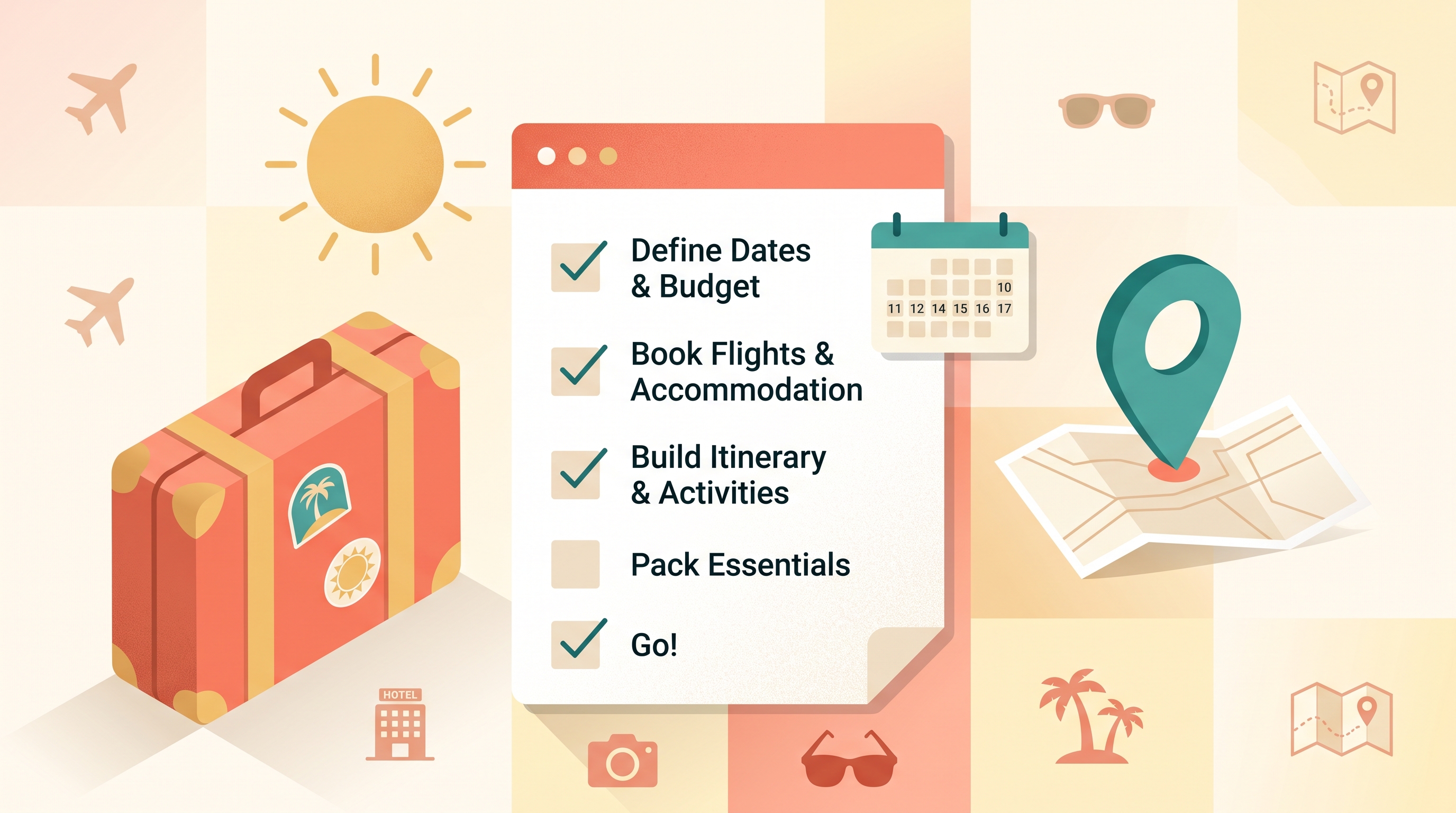
A vacation planning template is just a structured way to organize a trip — your goals, your destination, your itinerary, your bookings, and your packing list — so nothing falls through the cracks between "let's go somewhere" and actually being there.
This guide walks through a simple template you can reuse for any trip, along with the parts of the process GGNomad is built to handle once you are ready to move from planning to booking.
Step 1: Set Your Vacation Goals
Before you look at a single destination, get clear on three things: your budget, your timeline, and what "a good trip" actually means to you. A relaxed week at one beach town and a fast-paced hop across three cities need very different plans, even if they cost the same.
Write down:
- Budget — a total number, not a vague "keep it reasonable"
- Dates and flexibility — fixed dates, or a window you can shift for better prices
- Priorities — food, hiking, nightlife, museums, doing nothing at all
- Who's coming — solo, partner, family, or a larger group with different opinions
This step feels basic, but skipping it is the main reason vacation planning turns into an endless scroll of options with no way to narrow them down.
Step 2: Choose Your Destination and Activities
With your goals written down, narrowing a destination gets a lot faster. This is where filtering tools earn their keep — instead of reading fifty "best places to visit" lists, you filter by what actually matters to your trip.
GGNomad's Destination Discovery works this way: you filter by interest, season, and budget, and the results are places that already fit your constraints rather than a firehose of every destination on the map. Once a place looks promising, GGNomad's connected domains let you browse what is actually there:
- Hospitality for stays, with nightly price, guest capacity, and rating shown up front
- Tourism for curated tours and bookable activities, each with its duration and price
- Travel for comparing routes — flight, rail, or road — by price and availability
- Entertainment for events, concerts, and shows happening while you're there
If sustainability factors into your choice, it's worth knowing that GGNomad already records whether a trip option is eco-friendly and gives a carbon-emissions estimate as structured data — useful context to weigh, even though features like certification badges and a dedicated green filter are still being built.
Step 3: Build a Day-by-Day Itinerary You Can Actually Book
A lot of "vacation planning templates" stop at a spreadsheet of ideas. The more useful version is one where each line item has a real date, a real time, and a real price attached — which is exactly what an itinerary builder should do.
On GGNomad, the Itinerary Builder takes whatever you picked from Hospitality, Tourism, Travel, and Entertainment and lays it out day by day. Every item — a check-in, a tour, an event — carries its own scheduled time and price in the right currency, so what you get is a structured plan you can hand to a booking flow, not just a list you'll have to re-check against calendars and confirmation emails later.
A few things worth building into any itinerary, template or not:
- Buffer time between activities, especially on travel days — plans that assume everything runs exactly on schedule rarely survive contact with an airport
- At least one unscheduled block per multi-day trip, so you have room for something you find once you arrive
- A rough daily budget, not just a trip-wide total, so day six doesn't quietly wreck day two's plan
A simple template you can copy for each day of your trip:
- Morning activity (with time and estimated cost)
- Lunch or downtime block
- Afternoon activity or transport leg
- Evening plan (dinner, show, or nothing scheduled at all)
- Where you're sleeping that night
Repeat that for each day and you have a working itinerary, whether you build it in a spreadsheet or inside a tool like GGNomad's Itinerary Builder that turns each line into something bookable.
Step 4: Plan Together If You're Traveling With a Group
Group trips are where planning templates usually break down, because five people's individual notes apps don't talk to each other. GGNomad handles this with a shared trip conversation: everyone in the group sees the same messages, discusses which stays and activities to add, and reacts or comments to work toward a decision together.
From there, each person creates their own booking for the shared trip dates — so costs and reservations stay individually owned and easy to track, while a shared calendar shows the whole group's bookings laid out together. Nobody has to trust a spreadsheet to know what everyone else booked.
Step 5: Manage Bookings and Reservations Without Losing Track
Once you know what you want, the booking step should be boring — in a good way. GGNomad's booking workspace covers travel, stays, tours, and events in one place, and every reservation gets a reference code plus a live status badge you can check any time.
Before you confirm anything, the checkout shows an itemized total — subtotal, taxes, and fees — so there is no gap between the number you planned around and the number you actually pay. Payments run over trusted, established rails, and if plans change, you can cancel a booking directly from its menu instead of hunting down a support line.
Step 6: Keep the Trip on Track
Once bookings are confirmed, the goal shifts from planning to not forgetting anything. A shared calendar showing every booking date, backed by notifications for confirmations and reminders, does most of the work here. Checking your dashboard periodically for a quick summary of recent bookings is an easy habit that catches problems — a double-booked date, a reservation that never confirmed — before they become trip-day surprises.
Step 7: Pack and Prep the Boring-But-Important Stuff
Packing lists are personal, but document prep is not optional. For any international trip, the U.S. State Department's official travel planning guidance is worth a few minutes: check your passport's expiration date early (many countries require at least six months of validity left), confirm whether your destination needs a visa, and consider enrolling in the Smart Traveler Enrollment Program for embassy alerts. They also recommend travel medical insurance and checking whether your prescriptions are legal at your destination before you go (travel.state.gov).
Beyond documents, a short checklist covers most trips:
- Weather-appropriate clothing, plus one layer you don't think you'll need
- Chargers and adapters matched to your destination's plug type
- Copies (physical or digital) of your passport, ID, and confirmations
- A packed carry-on with a day's worth of essentials, in case checked luggage is delayed
Common Vacation Planning Mistakes to Avoid
A few mistakes show up in almost every trip that goes sideways, and all of them are avoidable with a template in hand:
- Booking activities before confirming a stay. Lock in where you're sleeping first — everything else should build around that, not the other way around.
- Ignoring buffer time between bookings. A tight connection between a tour ending and a dinner reservation starting is asking for a stressful sprint across town.
- Letting group decisions drag on without a shared view. If five people are messaging separately about the same hotel, nobody actually has the full picture — a shared conversation and calendar fixes this fast.
- Forgetting to check document requirements until the last minute. Passport renewals and visas can take weeks; start that step the day you commit to the trip, not the week before you leave.
- Not tracking the total cost as you book. Individual bookings can each look reasonable while the running total quietly climbs — an itemized checkout and one place to see all your reservations keeps that visible.
Making the Most of Your Vacation
A vacation planning template isn't about locking every minute into place — it's about removing the stuff that causes stress (lost confirmations, forgotten documents, a group that never agreed on a hotel) so you actually get to enjoy the parts you planned for. Set your goals, filter down to a destination, build a real itinerary, book it in one place, and keep the boring admin handled early. The rest is just the trip.
Frequently Asked Questions
How do I start planning my vacation? Start by writing down your budget, dates, and priorities before you look at destinations. Having those constraints set makes every step after — choosing a place, filtering activities, building an itinerary — much faster.
What is a vacation planning template? It's a structured way to organize a trip: goals, destination and activities, a day-by-day itinerary, bookings, and a packing checklist, so no part of the trip depends on memory or a scattered set of browser tabs.
Why use GGNomad for travel planning? GGNomad brings destination filtering, a bookable day-by-day itinerary builder, and stays, tours, transport, and event tickets into one connected workspace, instead of requiring separate apps for each part of a trip. GGNomad is generally available, having launched on 2026-08-19.
What should be included in a travel itinerary? Dates and times for each booking, accommodation and transport details, planned activities with their cost, and some unscheduled buffer time. A good itinerary is specific enough to act on but flexible enough to survive a delayed flight.
How can I make my vacation less stressful? Use a template to set goals before you pick a destination, keep the itinerary and bookings in one place instead of scattered across apps, build in buffer time, and handle document prep (passport validity, visas, insurance) early instead of the week before you leave.
Start Planning Your Next Trip
Ready to turn a vacation idea into a real, bookable plan? Explore GGNomad's features to see how Destination Discovery and the Itinerary Builder work together, browse real trip-planning use cases, and sign up for GGNomad to get started.